HarknessAI

A flight simulator for teachers. Practice guiding a Harkness discussion against a class that talks back — using only your questions, your gaze, and your patience.

The hardest skill in Harkness teaching is doing less: biting your tongue through a silence, deflecting the question you could answer in five seconds, letting a wrong claim stand until a student dismantles it. HarknessAI is a safe sandbox on Apple Vision Pro where you practice exactly that — against eight AI students engineered to test you.

SETUP

Upload the artifact, set the guideflow

Drop in the reading, historical document, or case study. The simulator digests its themes, evidence, and ambiguities — then you define 3–5 realization nodes: the understandings your class should reach by the end, on their own. Eight students take their seats around the oval table, each with their own reading level and personality.

The Monopolizer · Jayden

Always first to speak, never deeper than the surface. Thinks filling the silence is helping. Your spotlight is the counter.

The Tangent Weaver · Sofia

Hyper-fixates on a minor detail or drifts into a personal story. One question kills it: “Where do you see that in the text?”

The Ghost · Wren

Understands everything. Says nothing — unless you make it safe, or a silence stretches long enough that she finally risks it.

The Confidently Incorrect · Tyler

Makes a bold, wrong claim and sells it hard. Resist correcting him yourself — the table has to do it with the text.

The Echo · Maddie

Restates whoever spoke last, sincerely, as a brand-new idea. Can you turn repetition into a real position?
PLAY

Your controls: voice, gaze, patience

There are no buttons in the room. The simulation reads the three instruments a real Harkness teacher has — what you say, where you look, and how long you can stand the silence — and the class responds the way teenagers actually do.

The Silence Tension Meter

When the thread dies, the room goes silent and a tension bar starts filling at the edge of your vision. Speak too soon and you “rescued” the class — the bar resets and it counts against you. Hold out until it fills, and the discomfort forces a student to take ownership of the lull. Sometimes it's the Ghost.

Gaze-tracked deflections

A confused student will look you dead in the eye and ask, “Wait — is that right?” Answer them and the HUD flashes a Lecturing Penalty. Turn your head to another student and hand the question back — “I don't know, what does the table think?” — and you pass the test.

Voice-recognized interventions

The simulator listens to every intervention and scores the move: a textual tether (“where do you see that in the text?”) cuts tangents and sends every head down to the page; a spotlight (“let's hear from someone who hasn't spoken”) quiets the dominant voices; a lecture audibly deflates the room.

The Conversation Web

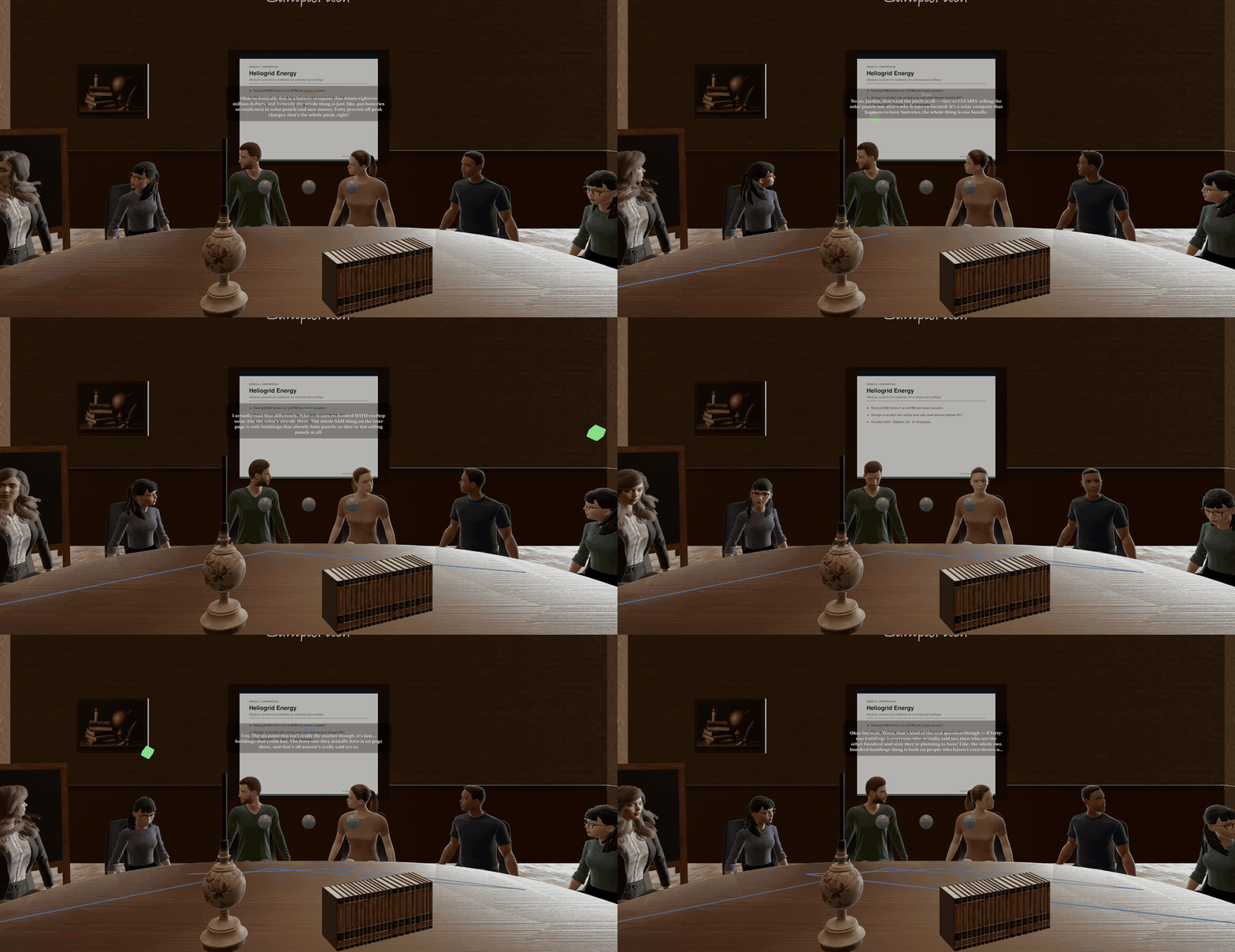
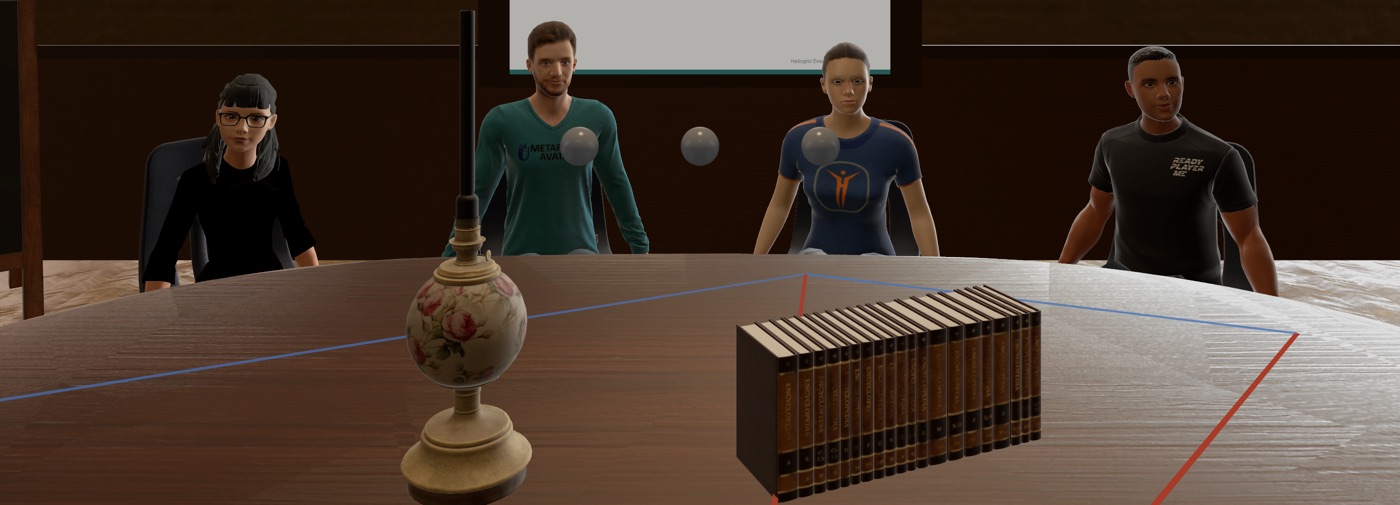
Glowing lines on the tabletop trace who is talking to whom. Student-to-student chords glow blue; every time the flow bounces through you, the strand burns red. A starburst centered on the teacher is the pattern you're training out of.

The Guideflow Tracker

Your 3–5 realization nodes float as dim orbs above the table. When the class argues its way into one — in their own words, unprompted — the orb swells and turns gold.

Try the loop before you put on the headset.

The full tutorial — Kate Chopin, five flawed students, the silence meter, the sticky notes — playable in your browser in three minutes.

▶ Play the demo

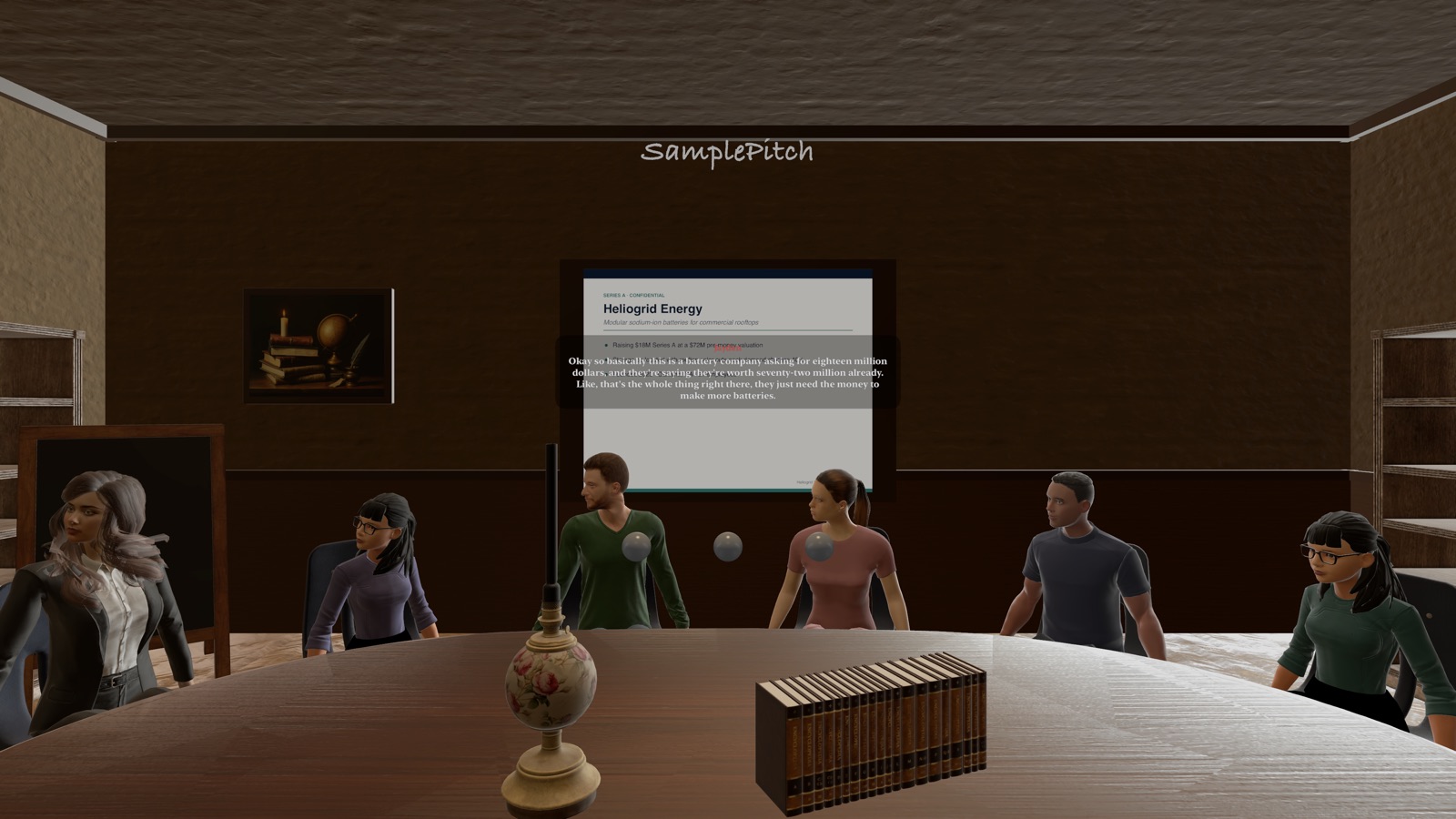
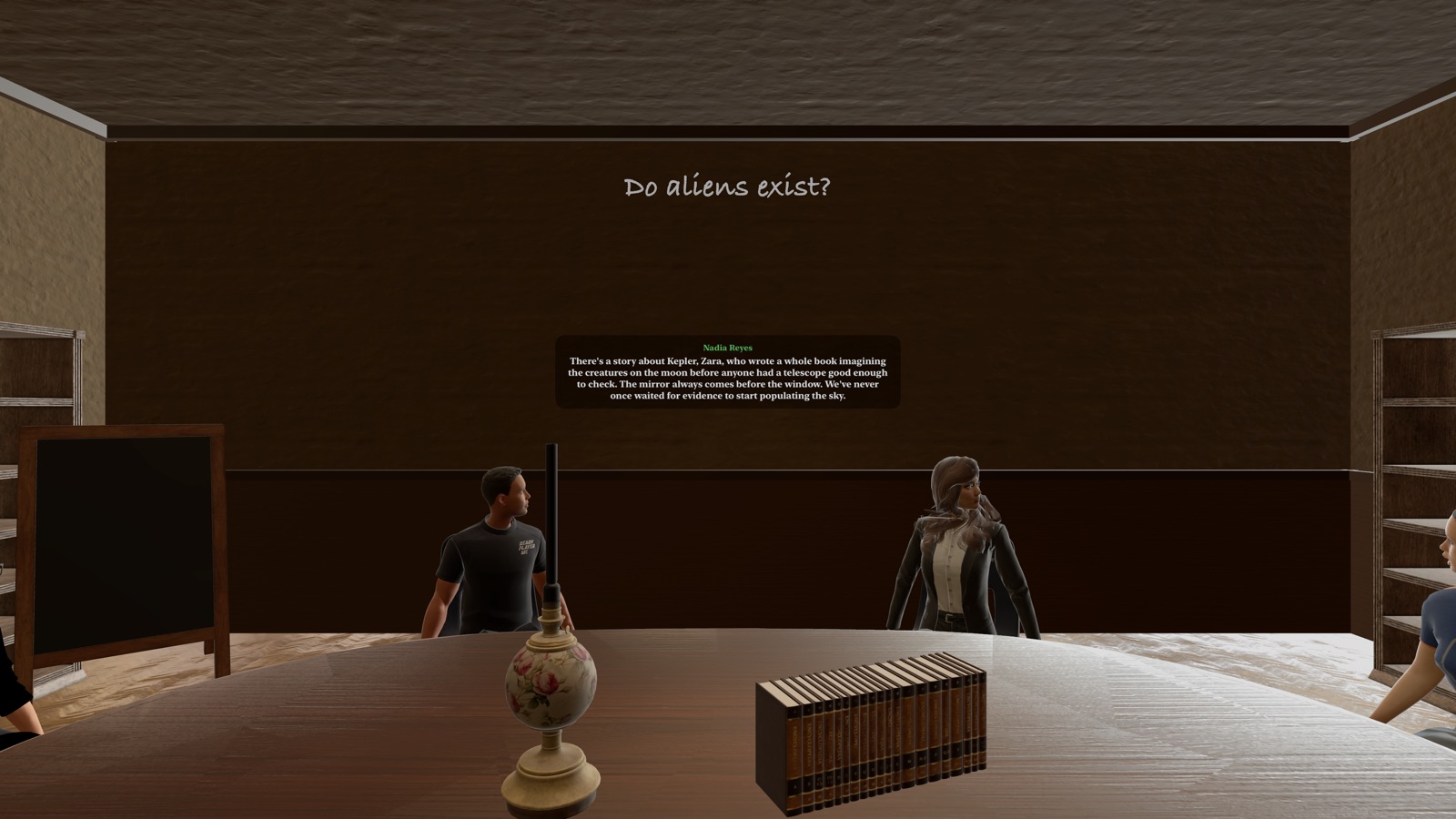
Inside the simulator — captured from the app.

DEBRIEF

The numbers don’t flatter

When class ends, the room fades to your analytics: a talk-time ratio (masters stay under 10–15%), every intervention replayed and classified — question or giveaway — silences held versus silences rescued, lecturing penalties, and table equity: did you manage the Monopolizer? Did the Ghost ever speak? Which realization nodes did the class actually reach?

Inside the simulator: the class seated at the oval table in the antique classroom

Practice the hardest move in teaching: saying nothing.

HarknessAI is a training mode of the Roundtable app for Apple Vision Pro. The same table also hosts open seminars with AI characters — and real colleagues over FaceTime — at roundtable.spmhresearch.org.